Step-by-Step Guide to Purchasing CGL Insurance Online

As a business owner, you juggle countless responsibilities, from managing inventory to serving customers. The last thing you need is a single accident—a slip-and-fall on your premises or damage caused by an employee—to jeopardize everything you’ve worked so hard to build. This is where Commercial General Liability (CGL) insurance becomes your most critical safety net.
In today’s digital world, the process of securing this vital protection has moved online, making it faster and more accessible than ever. However, navigating the digital insurance landscape can feel overwhelming. You might wonder if you’re getting the right coverage or if you’re missing a crucial step. That’s why we created this definitive Step-by-Step Guide to Purchasing Commercial General Liability Insurance Online.

This comprehensive walkthrough will demystify the entire process, from gathering the necessary documents to understanding your final policy. We’ll provide you with the knowledge and confidence to protect your business effectively, ensuring you get the right coverage without the hassle. Let’s begin securing your peace of mind.
Preparing for Your Online CGL Insurance Application
Before you even visit an insurer’s website, a little preparation can make the entire process significantly smoother and faster. Think of it as gathering your ingredients before you start cooking. Having all your business information ready ensures you get the most accurate quotes and can complete the application in one sitting.
Failing to prepare can lead to frustration, forcing you to stop mid-application to hunt for a specific document or piece of data. This can delay getting your coverage in place. A few minutes of prep work upfront will save you time and potential headaches down the line.
Gathering Essential Business Information
First, you’ll need the basics. These are the fundamental details that identify your business to the insurance carrier. Keep this information handy, either in a digital document or a physical note.
- Legal Business Name and DBA: The official name registered with the state, as well as any “Doing Business As” names.
- Business Address: Your primary physical location. If you’re home-based, use your home address.
- Contact Information: Your business phone number and email address.
- Employer Identification Number (EIN): Your federal tax ID number. Sole proprietors may use their Social Security Number.
- Business Structure: Be ready to specify if you operate as a sole proprietorship, partnership, LLC, or corporation.
Understanding Your Business Operations and Risks
Next, you’ll need to provide details about what your business actually does. This is the most critical part of the application, as it helps insurers assess your risk level. The more accurate you are, the better your coverage will match your needs. For a deeper dive into what CGL covers, consider reading The Ultimate Guide to Commercial General Liability Insurance for Small Businesses in 2026.
Be prepared to describe your daily operations, the services you provide, or the products you sell. You’ll also need financial details like your annual gross revenue and total payroll. Insurers use these figures as a primary basis for calculating your premium, so have your most recent financial statements or projections available.
Assembling Key Documents
Finally, having a few key documents on hand can streamline the process, especially if your business is in a regulated industry or has prior insurance history. While not always required for an initial quote, they may be needed to finalize the policy.
Gather any professional licenses or certifications your business holds. If you’ve had CGL insurance before, have a copy of your most recent policy declarations page. This shows your previous coverage limits and can sometimes lead to better rates. Also, review any client contracts that specify insurance requirements, such as a request to be named as an “additional insured.”
Navigating the Online Quoting Process
With your information and documents prepared, you’re ready to start the core of this Step-by-Step Guide to Purchasing Commercial General Liability Insurance Online. This stage involves finding providers, filling out applications, and comparing the quotes you receive. The modern online insurance market offers more choices than ever before.
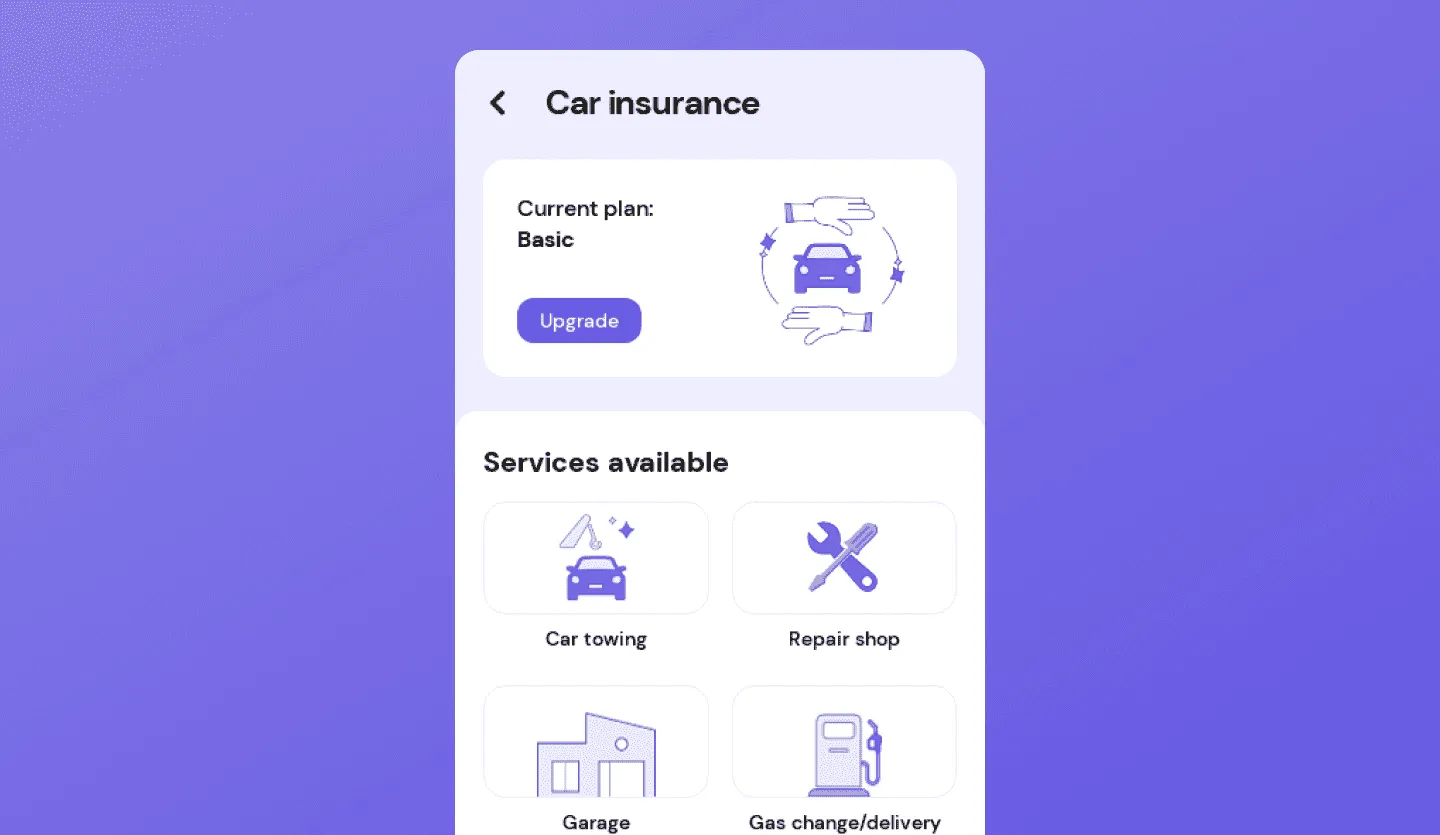
You can choose to get quotes directly from an insurance carrier like Hiscox or The Hartford, or you can use a digital broker like Insureon or CoverWallet. Digital brokers allow you to fill out one application and receive multiple quotes from different carriers, which can be a significant time-saver.
Finding Reputable Online Insurers and Brokers
Your first step is to identify trustworthy providers. Look for companies with strong financial ratings from agencies like AM Best (an A- rating or higher is a good benchmark). This rating indicates the insurer’s financial stability and ability to pay claims.
Beyond financial ratings, read customer reviews on independent sites to gauge the provider’s reputation for customer service and claims handling. A cheap policy is worthless if the company is difficult to work with when you actually need them. Choose a provider that balances affordability with reliability and strong support.
Filling Out the Online Application Form
The online application is designed to be straightforward. You’ll enter the information you gathered in the preparation phase. It is absolutely crucial to be honest and accurate. Misrepresenting your business operations, payroll, or revenue can lead to a denied claim or even policy cancellation.
You’ll be asked to select your industry, often from a dropdown list or by using a North American Industry Classification System (NAICS) code. You’ll then input your revenue, payroll, and the number of employees. Be prepared for specific questions about your operations, such as whether you use subcontractors or work in high-risk environments.
Receiving and Analyzing Your Quotes
After submitting your application, you will typically receive one or more quotes almost instantly. Don’t just look at the price (the premium). You need to compare the key components of each offer to ensure you’re making an apples-to-apples comparison.
Pay close attention to the coverage limits, specifically the “Per Occurrence Limit” (the maximum paid for a single claim) and the “General Aggregate Limit” (the total maximum paid during the policy term). Also, check the deductible—the amount you pay out-of-pocket before insurance kicks in. A lower premium might come with a higher deductible, so find a balance that fits your budget and risk tolerance.
Comparing Online CGL Insurance Providers
Choosing the right provider is just as important as choosing the right coverage limits. The online market is diverse, with different types of providers catering to various business needs. Understanding these differences is key to making an informed decision. This comparison will help you see where different providers shine.
| Provider Type | Key Features | Best For | Example Coverage Limits |
|---|---|---|---|
| Direct Carrier | Buy directly from the company underwriting the policy. Often have highly tailored products for specific industries. | Businesses in a standard, low-risk industry who prefer a direct relationship with their insurer. | $1M Per Occurrence / $2M General Aggregate |
| Digital Broker | One application provides quotes from multiple top-rated carriers. Offers comparison shopping and expert advice. | Business owners who want to compare options quickly or those with unique risks needing a broader market search. | Varies by carrier, but typically offers standard $1M/$2M and higher options. |
| Insurtech/App-Based | Focus on speed and convenience via mobile apps. Offer on-demand, daily, or monthly policies. | Freelancers, gig workers, or businesses needing short-term coverage for specific projects or events. | Often flexible, starting from $500k Per Occurrence up to $2M General Aggregate. |
| Traditional Agent (Online Portal) | Combines personal agent advice with the convenience of online document access and management. | Complex businesses that need personalized risk management advice but still want digital convenience. | Customizable to any level, often starting at $1M/$2M. |
Finalizing Your Policy and Making the Purchase
Once you’ve compared quotes and selected a provider, you’re on the final stretch. This stage is about carefully reviewing the policy details before you commit and pay. Rushing this step can lead to misunderstandings about your coverage later on. A successful purchase is about more than just clicking “buy.”
This is your last chance to ensure the policy you’re about to purchase aligns perfectly with your business needs, client requirements, and budget. Taking the time to double-check the details provides the ultimate peace of mind. Let’s walk through the final steps of this process.
Reviewing the Policy Details and Endorsements
Before entering your payment information, you will be presented with the full policy documents. Read them carefully. Verify that all your business information is correct. Most importantly, understand what is covered and what is not. This is an excellent time to familiarize yourself with common CGL exclusions by reviewing resources like Understanding CGL Exclusions: What Your Small Business Policy Won’t Cover.
Look for any endorsements that have been added. An endorsement is a modification to the standard policy. Common endorsements include adding an “additional insured” (like a client or landlord who requires it by contract) or a “waiver of subrogation.” Ensure any contractually required endorsements are included.
Selecting Your Payment Plan and Method
Online insurers offer flexible payment options. You can typically choose to pay the full annual premium upfront or opt for monthly installments. Paying in full may come with a small discount, but monthly payments can be better for cash flow management.
Most platforms accept major credit cards and direct bank transfers (ACH). Select the option that works best for your business’s financial workflow. The process is secure and similar to any other online transaction.
Receiving Your Certificate of Insurance (COI)
Immediately after your payment is processed, your policy is active. You will gain access to your policy documents and, most importantly, your Certificate of Insurance (COI). The COI is a one-page document that summarizes your coverage and serves as proof of insurance.
One of the biggest advantages of buying online is the ability to generate and download your COI instantly, 24/7. You can send it to clients who require proof of insurance within minutes of purchasing your policy, helping you start new projects without delay.
Pro Tips for a Smooth Online Insurance Purchase
Following a step-by-step guide is essential, but a few insider tips can make the process even more effective. Leveraging these strategies can help you save money, secure better coverage, and avoid common pitfalls when you buy CGL insurance online for your small business.
- Don’t Automatically Choose the Minimum Limits: While a $1M/$2M limit is standard, consider if your client contracts or industry risks warrant higher limits. It’s often surprisingly affordable to increase your coverage.
- Bundle for Savings: Ask about a Business Owner’s Policy (BOP). A BOP bundles General Liability with Commercial Property and other coverages at a lower price than buying them separately.
- Review and Update Annually: Your business changes, and so should your insurance. Set a calendar reminder to review your policy each year to ensure your coverage still aligns with your revenue, payroll, and operations.
- Be Honest and Thorough: Hiding a risky part of your business operations to get a lower premium is a recipe for disaster. If a claim arises from that undisclosed activity, it will likely be denied, leaving you to pay out of pocket.
- Use the Experts: Even fully digital platforms have licensed agents available via chat, email, or phone. If you’re unsure about a question or coverage option, don’t guess. Ask for clarification.
- Understand Your Contracts: Before you buy, review your client and lease agreements for any specific insurance requirements. This ensures the policy you purchase meets your contractual obligations from day one.
Frequently Asked Questions about Step-by-Step Guide to Purchasing Commercial General Liability Insurance Online
How quickly can I get CGL insurance online?
The process is incredibly fast. Most small businesses can get a quote in minutes and have a policy and proof of insurance in hand in less than an hour, assuming all necessary information is ready.
What is the average cost of commercial general liability insurance?
Costs vary widely based on industry, location, revenue, and coverage limits. However, many small, low-risk businesses can find policies starting around $30 to $50 per month.
Do I need CGL insurance if I have an LLC?
Yes. An LLC protects your personal assets from business debts, but it does not protect the business’s assets. CGL insurance is needed to cover claims of injury or property damage so the business itself doesn’t have to pay.
Can I buy CGL insurance for a one-day event online?
Absolutely. Many online providers, particularly insurtech companies, specialize in short-term or event-specific liability policies that you can purchase for a single day or weekend.
What’s the difference between general liability and professional liability?
General liability covers bodily injury and property damage claims. Professional liability (or Errors & Omissions) covers claims of financial loss due to professional negligence, mistakes, or bad advice.
Is my online CGL policy legitimate?
Yes, as long as you purchase from a reputable, licensed insurer or broker. Check their financial ratings (e.g., AM Best) and customer reviews to ensure you are dealing with a trustworthy company.
What information do I need to get an instant quote?
For an instant quote, you typically need your industry, location (ZIP code), projected annual revenue, and the number of employees. More detailed information will be required to finalize the purchase.
Can I add an additional insured to my policy online?
Yes. Most online insurance portals have a self-service feature that allows you to add an additional insured and generate an updated Certificate of Insurance instantly, anytime you need to.
Following this Step-by-Step Guide to Purchasing Commercial General Liability Insurance Online empowers you to take control of your business’s protection. By preparing your information, carefully navigating the quoting process, comparing your options, and finalizing your policy with diligence, you can secure this essential coverage with confidence and ease. The digital shift has made protecting your livelihood more accessible than ever before.
Don’t leave your business exposed to the financial risks of an unexpected accident or lawsuit. The peace of mind that comes with a solid CGL policy is invaluable. Use the insights from this guide to take the next step today and find the right online insurance solution that fits your business perfectly, allowing you to focus on what you do best: growing your company.
Originally posted 2026-05-01 05:14:11.